

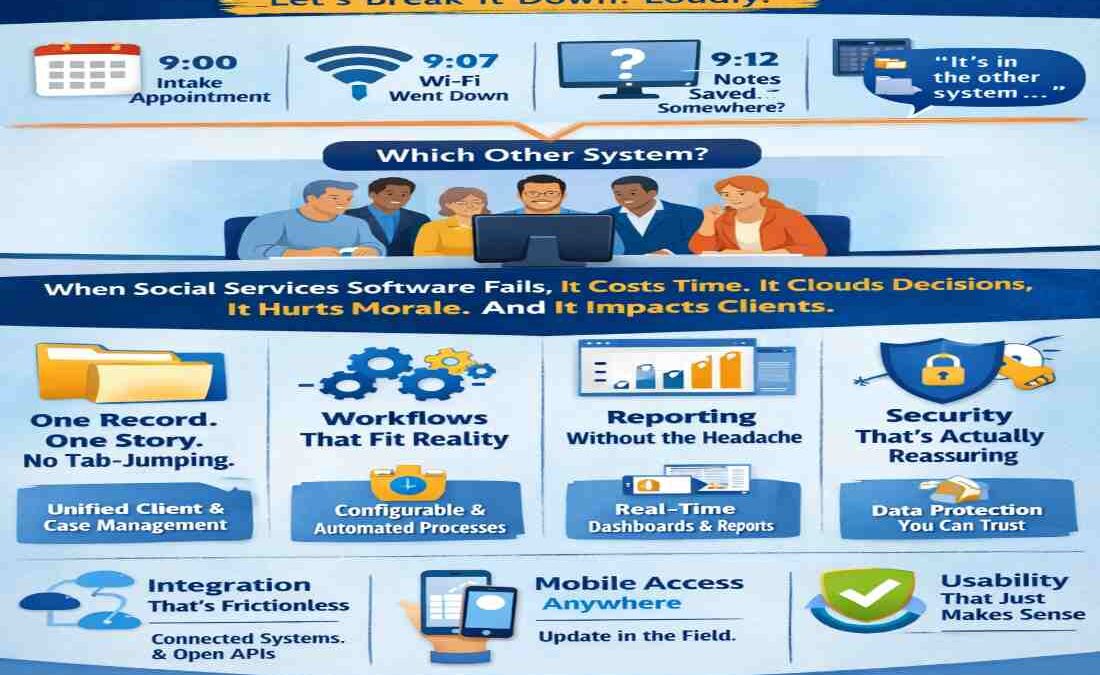
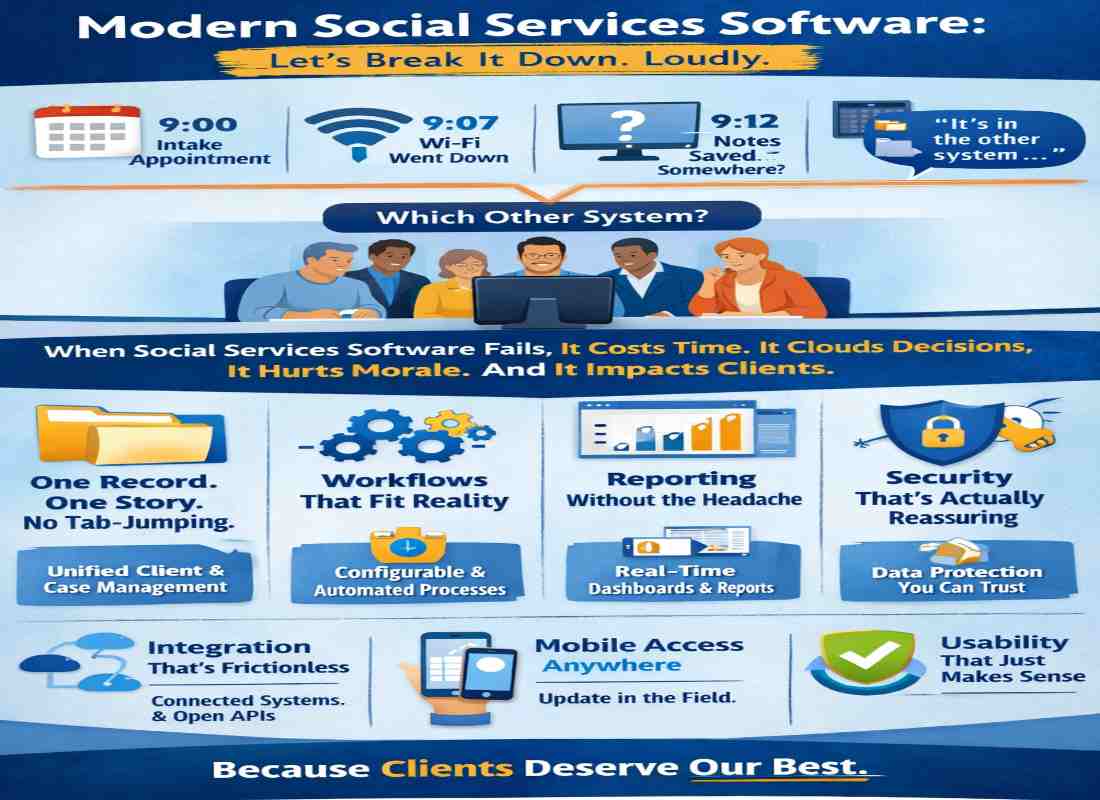
The intake appointment was at 9:00 a.m.
By 9:07, the Wi-Fi was down.
By 9:12, the case notes were saved—somewhere.
By 9:20, someone said, “It’s in the other system.”
Which other system?
That’s usually the moment when everyone stares at the screen like it personally betrayed them.
Here’s the uncomfortable truth: when social services software slows down the people trying to help, it’s not neutral. It costs time. It clouds decisions. It chips away at morale. And yes, sometimes it impacts clients.
So what should modern social services software actually include?
Let’s break it down. Loudly.
One Record. One Story. No Tab-Jumping Olympics.
If staff need three logins to understand one client, the system has already failed.
Comprehensive client and case management isn’t a “nice to have.” It’s oxygen. Agencies need unified records that track demographics, assessments, service plans, progress notes, referrals, and outcomes in one living profile.
Because a client’s story isn’t a collection of PDFs.
Integrated data systems have been shown to improve coordination and long-term outcomes, particularly across public agencies (U.S. Department of Health & Human Services, hhs.gov). That’s not just policy talk. That’s operational survival.
Platforms like Casebook lean into this philosophy—treating case records as evolving narratives instead of static forms.
And honestly? That shift matters.
Workflows That Fit Reality (Not the Other Way Around)
Here’s a question: why does software always assume your intake process is identical to everyone else’s?
It isn’t.
The best social services software bends. It adapts. It allows configurable workflows that mirror how your team actually operates—eligibility steps, assessments, approvals, follow-ups. Automation should quietly handle reminders, task assignments, and documentation prompts.
Less manual nudging. More momentum.
Automation isn’t about removing humans from the equation. It’s about removing friction. (Big difference.)
Reporting That Doesn’t Feel Like Tax Season
You know that sinking feeling when a funder asks for outcome data and everyone goes silent?
Exactly.
Strong reporting tools should generate real-time dashboards, customizable exports, and measurable impact data without requiring a last-minute spreadsheet marathon. Agencies increasingly operate in outcome-driven funding environments, and federal bodies like the Administration for Children & Families emphasize performance-based evaluation (acf.hhs.gov).
Translation: if you can’t measure it, you can’t defend it.
Your system should surface impact, not hide it behind filters and pivot tables.
Security That’s Actually Reassuring
Social services handle deeply personal information—health records, housing instability, family histories.
This isn’t casual data.
Role-based permissions. Encryption. Audit trails. Compliance frameworks aligned with standards like those outlined by the National Institute of Standards and Technology (nist.gov). These aren’t buzzwords. They’re baseline expectations.
Clients trust agencies with their lives. Software should honor that.
Anything less? Hard pass.
Integration. Because Silos Are So 2008.
Accounting lives in one platform. Donor management in another. Payroll somewhere else entirely.
If your social services software doesn’t integrate with those systems, congratulations—you’ve just invented double entry.
Modern platforms need open APIs and native integrations that sync financial, operational, and program data. Leadership gains clarity. Staff gain time. Everyone gains sanity.
Disconnected tools create friction. Connected systems create flow.
Mobile Access for Work That Doesn’t Happen at a Desk
Home visits. School meetings. Shelter check-ins.
Casework doesn’t pause just because someone left the office.
Mobile-friendly access allows real-time updates in the field. No sticky notes. No “I’ll log it later.” No backlog of half-remembered details.
And let’s be honest—data entered immediately is cleaner data.
Usability That Doesn’t Require a 40-Page Manual
Here’s a quiet red flag: “You’ll get used to it.”
That’s what people say about clunky systems.
User-centered design—long championed by usability frameworks like those from the U.S. General Services Administration (usability.gov)—improves accuracy, reduces error rates, and shortens training time.
If staff avoid the system, the system is the problem.
Not the staff.
Scalability, Because Growth Happens
Funding shifts. Programs expand. Regulations evolve.
The right social services software should grow with the organization—not collapse under it. Flexible configurations. Modular features. Infrastructure that handles expansion without lag.
Because the goal isn’t to outgrow your system every three years.
It’s to build on it.
Final Thought: Software Should Quiet the Noise
The best systems don’t feel loud. They feel steady.
They centralize information. Automate the routine. Protect what matters. Surface insights. Reduce stress.
They give caseworkers back their focus.
And in a field where time and clarity directly affect human lives, that’s not just efficiency.
That’s impact.
